
Trestme Pulse · App for TiendanubeFree for Tiendanube stores
It updates itself. Every figure, explained. It installs in one click with read-only permissions: orders, products and customers. Nothing is written to your store.
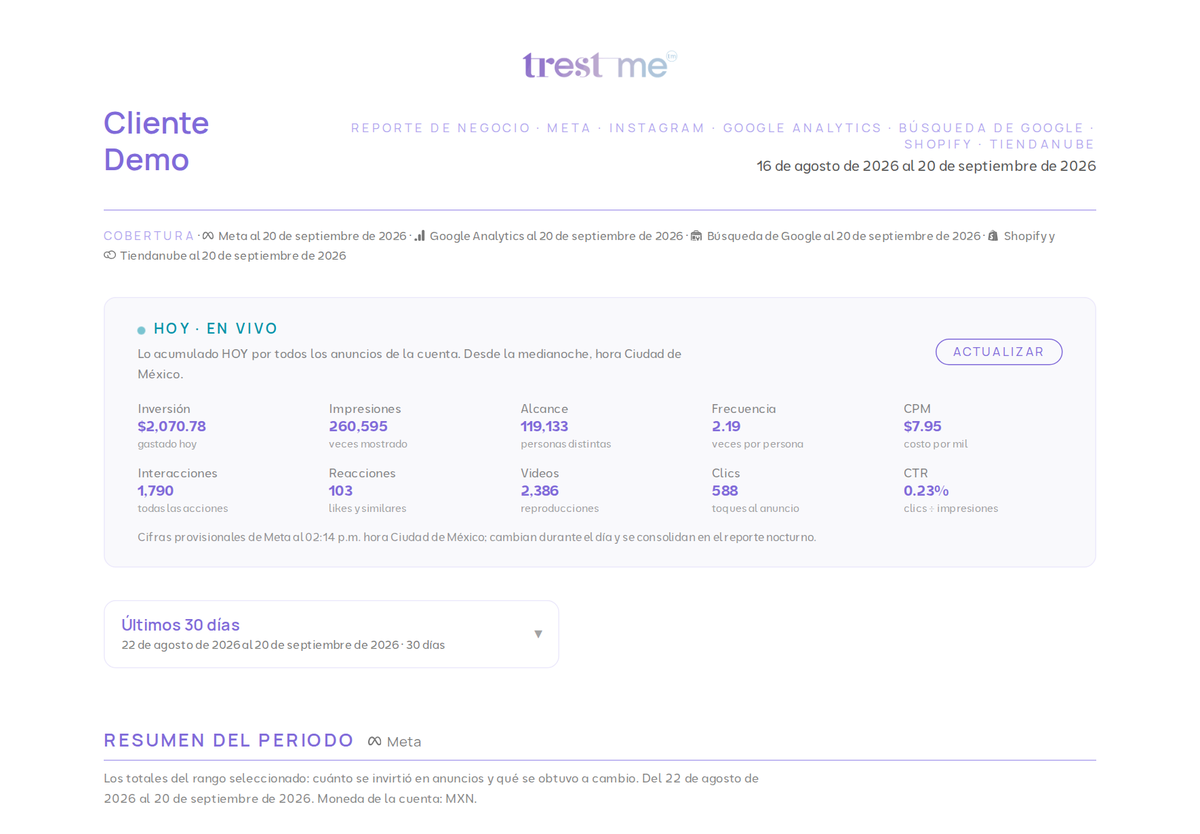
One minute: what Trestme Pulse is and what you see every morning (in Spanish). Example with fictitious data.
How to installFour steps, no setup
Frequently asked questionsWhat people ask before installing
Nothing. The app and your store's report are free for Tiendanube stores, with no time, order or user limits. Connecting your Meta advertising and your Google Analytics and Search Console is optional: Insights ($999 MXN per month, with one insight every Monday) or Insights Premium ($5,500 MXN per month, with execution included). They activate from your own report and cancel whenever you want.
Read-only access to orders (sales and revenue), products (inventory and catalog) and customers (to know who is new and who comes back). It writes nothing to your store.
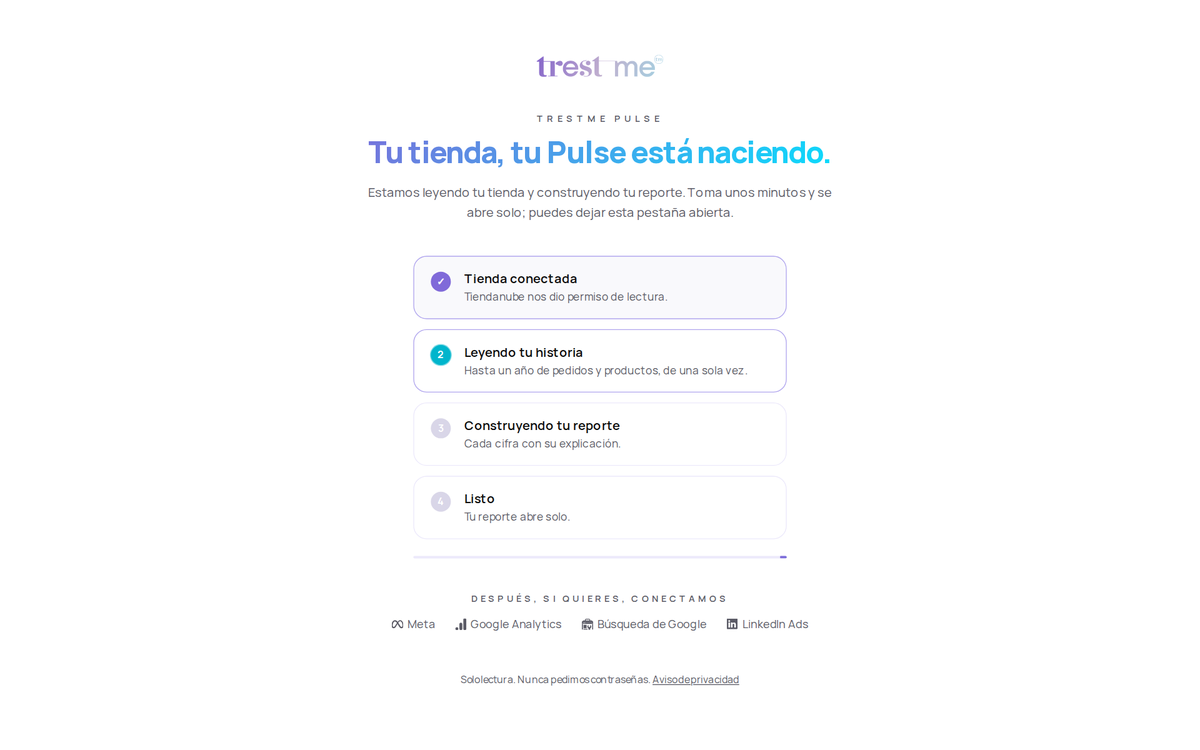
In under two minutes after installing: Pulse reads up to a year of history and opens your report on a private link. Then it updates itself every night.
You will see your catalog read (published products, which ones can be bought, photos without text for Google, products without brand or category) and a notice that sales will appear on their own the first day there are orders.
No personal data of buyers is stored. To measure repeat purchases an irreversible identifier is used. Reports show aggregated figures. Privacy notice: trestme.com/en/privacy.
By uninstalling the app from your admin. Pulse stops reading your store that same day and revokes its access.
Write to info@trestme.com. Monday to Friday, 9:00 to 18:00, Mexico City time; we answer in under 24 business hours.
Want to see it with your own data before installing? Open the sample report: it is the same one you will see, with fictitious data.